Why More Website Traffic Doesn’t Always Mean More Customers
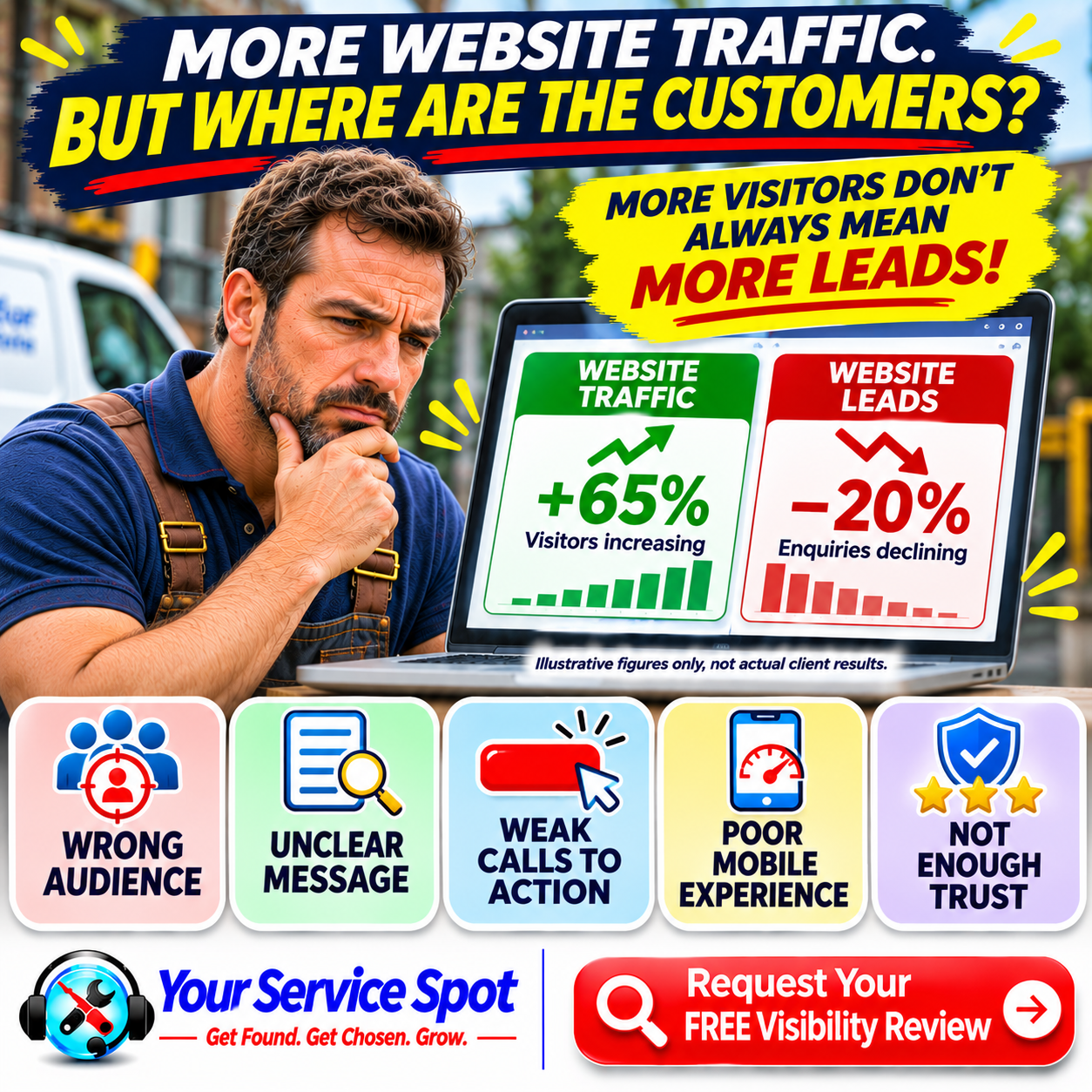
Your website traffic is increasing. But where are all the new customers?
You’ve invested in your website. Perhaps you’ve been publishing blog posts, improving your Google rankings or running online advertising campaigns.
Now the numbers look encouraging.
More people are visiting your website. Your analytics dashboard shows an upward trend. Your website traffic has increased significantly compared with previous months.
But there’s a problem.
Your phone isn’t ringing more often. Your contact forms aren’t generating additional enquiries. And your sales haven’t improved.
It’s frustrating, especially when you’ve invested time and money into attracting those visitors.
Here’s something every small business owner should understand:
More website traffic doesn’t automatically mean more customers.
Getting people onto your website is only the beginning.
The real opportunity comes from attracting the right visitors, giving them confidence in your business and making it easy for them to take the next step.
In this guide, we’ll explain why website traffic doesn’t always translate into website leads, identify seven common problems and share practical ways to turn more visitors into genuine business opportunities.
-
Website Traffic vs Website Leads: What’s the Difference?
Before investigating why your website isn’t generating enough customers, it’s worth understanding two important measurements.
What Is Website Traffic?
Website traffic refers to visits to your website.
People might arrive through:
- Google Search
- Google Maps and your Google Business Profile
- Social media
- Online advertising
- Links from other websites
- Direct visits
- AI-powered search platforms
Traffic tells you that people are reaching your website.
However, it doesn’t necessarily tell you whether those visitors are interested in buying your services.
What Are Website Leads?
Website leads are potential customers who take an action that indicates interest in your business.
For a local service business, this might include:
- Calling to request a quotation
- Completing a contact form
- Booking an appointment
- Requesting a consultation
- Sending a relevant WhatsApp message
- Enquiring about a particular service
Not every enquiry will become a paying customer, but qualified leads represent potential business opportunities.
Why the Difference Matters
Imagine two local plumbing companies.
Company A
- 2,000 website visits per month
- 20 customer enquiries
- Website visitor-to-lead conversion rate: 1%
Company B
- 800 website visits per month
- 40 customer enquiries
- Website visitor-to-lead conversion rate: 5%
Company A attracts considerably more visitors.
Yet Company B generates twice as many enquiries.
These are illustrative figures, but they demonstrate an important principle.
The quality of your website traffic and your ability to convert visitors into enquiries can matter more than visitor numbers alone.
-
You’re Attracting the Wrong Website Visitors
One of the most common reasons website traffic fails to generate customers is that visitors aren’t looking for what your business offers.
Imagine you operate a swimming pool maintenance company in Houston.
Your website attracts hundreds of visitors searching for:
“How to build a swimming pool yourself.”
That article might generate considerable traffic.
But many of those visitors could be DIY enthusiasts living outside your service area.
They’re unlikely to become customers for your weekly pool cleaning service.
Now consider someone searching for:
“Weekly pool cleaning service in Houston.”
That visitor is more likely to be looking for a service your business provides.
Why Search Intent Matters
Search intent describes what someone wants to accomplish when searching:
- Some people want information.
- Others want to compare options.
- Some are ready to contact a business.
All three groups can be valuable, but they don’t have the same likelihood of becoming immediate customers.
How to Attract More Relevant Traffic
Focus your local SEO strategy on searches that match your actual services.
For example, a drainage company might target:
- Emergency drain unblocking Brighton
- CCTV drain surveys Brighton
- Blocked drain repair Hove
- Commercial drainage services East Sussex
These searches are more closely connected to potential service enquiries than broad, unrelated informational topics.
Useful educational content still has a place. It can build awareness and trust before someone is ready to buy.
But your content strategy should also include pages designed for people actively seeking your services.
-
Your Website Doesn’t Clearly Explain What You Do
Imagine someone lands on your homepage.
They see an attractive design, professional photographs and a headline saying:
“Innovative Solutions. Exceptional Results.”
It sounds impressive.
But what does the business actually offer?
Visitors shouldn’t have to search through multiple pages to understand your services.
Why Unclear Messaging Costs Enquiries
People often compare several businesses before deciding whom to contact.
If they can’t quickly determine whether you provide the service they need, they may leave and try another website.
This can be especially important for urgent local services.
Someone dealing with a blocked drain or broken boiler wants clear information quickly.
How to Improve Your Website Messaging
Your homepage should answer four questions:
- What does your business do?
- Who do you help?
- Where do you operate?
- How can someone contact you?
For example:
“Professional drain unblocking, CCTV drain surveys and emergency drainage services throughout Brighton and Hove.”
That description immediately communicates the services and location.
Give Important Services Their Own Pages
If your business provides several distinct services, consider creating dedicated pages for them.
A plumbing company might have separate pages for emergency plumbing, boiler repairs and bathroom installations.
Each page should explain the service, the problems it addresses and how customers can enquire.
-
Your Calls to Action Aren’t Strong Enough
Your website might explain your services perfectly.
But what happens when someone wants to contact you?
Is the next step obvious?
Or do visitors have to search for your telephone number, contact form or booking information?
A call to action, commonly known as a CTA, encourages visitors to take a specific step.
Examples of Effective Calls to Action
For a local service business, useful CTAs might include:
- Request a FREE Quote
- Call Our Team Today
- Book a Consultation
- Arrange a Site Visit
- Request Your FREE Visibility Review
The best CTA depends on your business and what customers expect.
Common CTA Problems
Websites sometimes:
- Hide the main contact button.
- Use vague wording such as “Learn More” everywhere.
- Present too many competing actions.
- Make visitors complete lengthy forms.
- Fail to provide a clear next step on service pages.
How to Improve Your CTAs
- Place a relevant CTA near the top of important pages.
- Repeat it naturally after useful information.
- Make buttons easy to identify.
- Use wording that explains what will happen next.
- And ensure your contact options work properly on mobile devices.
A visitor who is ready to enquire shouldn’t have to work hard to reach you.
-
Your Website Creates a Poor Mobile Experience
Many potential customers visit local business websites using smartphones.
They may be searching while travelling, at work or dealing with an urgent problem.
If your website is difficult to use on a phone, some visitors will leave before contacting you.
Common Mobile Website Problems
These include:
- Slow-loading pages
- Text that’s difficult to read
- Buttons that are too small
- Menus that are difficult to navigate
- Forms that don’t work properly
- Content that extends beyond the screen
- Contact information that’s difficult to find
Why Website Speed Matters
Website speed affects the visitor experience.
If someone is searching for an emergency service, waiting for a slow page can be particularly frustrating.
However, speed is only one part of website performance.
A fast website with confusing navigation or weak messaging can still struggle to generate leads.
Practical Improvements
Test your website on an actual smartphone:
- Try completing the same actions a customer would take.
- Can you find the main service information?
- Can you call the business easily?
- Can you complete the enquiry form without difficulty?
- Does the page load reasonably quickly?
Tools such as Google PageSpeed Insights can help identify technical performance problems.
-
Visitors Don’t Have Enough Confidence in Your Business
Imagine a potential customer visits two roofing company websites:
- Both businesses offer similar services.
- The first website has a short description and a telephone number.
- The second provides clear service information, genuine customer reviews, photographs of completed work and details about the company’s experience.
Which business is likely to inspire greater confidence?
Trust can influence whether visitors decide to make an enquiry.
What Helps Build Customer Confidence?
Consider including:
Authentic feedback helps potential customers understand other people’s experiences.
Relevant Qualifications
Explain any professional qualifications, certifications or memberships that apply to your services.
Examples of Completed Work
Show real projects, where appropriate and with permission.
Clear Contact Information
Make it easy for customers to identify and contact your business.
An Informative About Page
Introduce the people behind your business and explain your experience.
Transparent Service Information
Help visitors understand what to expect.
Avoid Unsupported Claims
Statements such as “the best company in the UK” can sound impressive but may be difficult to substantiate.
Specific, genuine evidence is usually more useful.
For example:
“Our team has more than 20 years of experience maintaining residential and commercial swimming pools.”
Only publish claims that accurately reflect your business.
-
Your Contact Forms Are Creating Unnecessary Obstacles
You’ve attracted a relevant visitor:
- They understand your services.
- They trust your business.
- They’re ready to enquire.
- Then they reach your contact form.
- It asks for their name, email address, telephone number, full postal address, company name, budget, preferred appointment date and several additional details.
For a simple enquiry, that may be too much.
Why Complicated Forms Can Reduce Enquiries
Every additional field asks the visitor to provide more information and spend more time completing the form.
Some details may be necessary, depending on the service.
But unnecessary questions can create friction.
How to Improve Your Contact Forms
For an initial local service enquiry, consider starting with:
- Name
- Preferred contact method and relevant contact details
- Service required
- Brief message
- Location or postcode, if needed
You can request additional information later.
Also check that:
- Forms work on mobile devices.
- Required fields are clearly marked.
- Errors are easy to correct.
- Customers receive confirmation after submitting.
- Enquiries reach the correct email inbox.
- Privacy information is available.
Don’t Overlook Telephone Enquiries
Some customers prefer to call, particularly for urgent services.
Make telephone numbers easy to find and tap on mobile devices.
A simpler enquiry process can make it easier for interested visitors to become website leads.
-
You’re Measuring Website Traffic Instead of Business Results
Website traffic is useful.
But it shouldn’t be the only measure of online marketing performance.
Imagine your monthly report shows:
Website visitors: +40%
That sounds encouraging.
But what if:
- Customer enquiries: No change
- New customers: No change
- Revenue: No change
You would need more information before concluding that your marketing is working effectively.
Website Metrics Worth Monitoring
| Metric | What it tells you |
| Website visits | How much traffic your site receives |
| Traffic sources | Where visitors come from |
| Landing pages | Which pages attract visitors |
| Contact form submissions | How many enquiries arrive through forms |
| Telephone enquiries | How many potential customers call |
| Visitor-to-lead conversion rate | What proportion of visits generate leads |
| Qualified leads | How many enquiries are relevant to your services |
| New customers | How many leads become paying customers |
What Is a Website Conversion Rate?
For lead generation, a simple conversion rate can be calculated as:
Website conversion rate = (Leads ÷ Website visits) × 100
For example:
A website receives 1,000 visits and generates 30 leads.
Its visitor-to-lead conversion rate is:
(30 ÷ 1,000) × 100 = 3%
For accurate reporting, define what counts as a lead and use a consistent measurement period.
How to Improve Measurement
Use appropriate analytics and conversion tracking.
Google Analytics 4 can help measure website interactions and designated key events.
Google Search Console can help you understand how your website performs in Google Search.
Where appropriate, track form submissions and telephone enquiries.
Review lead quality, not simply the number of enquiries.
A website generating 100 irrelevant enquiries may be less valuable than one generating 20 serious enquiries from suitable customers.
-
More Traffic vs Better Conversion: A Practical Example
Let’s compare two possible strategies for a local service business.
Scenario A: Increase Website Traffic
Your website currently receives:
- 1,000 visits per month
- 20 enquiries
- 2% visitor-to-lead conversion rate
You increase traffic by 50%, while the conversion rate remains unchanged.
Your new results are:
- 1,500 visits
- 30 enquiries
- 2% conversion rate
You’ve generated 10 additional enquiries.
Scenario B: Improve Website Conversion
Instead of increasing traffic, you improve your service pages, calls to action and enquiry process.
Traffic remains at 1,000 visits.
But your conversion rate increases from 2% to 4%.
Your results become:
- 1,000 visits
- 40 enquiries
- 4% conversion rate
You’ve generated 20 additional enquiries without increasing traffic.
These are illustrative scenarios, not guaranteed results.
However, they demonstrate why improving conversion performance can be worthwhile.
What If You Improve Both?
The strongest approach is often to attract relevant visitors while improving the experience that turns them into enquiries.
Better traffic quality and better website conversion can work together.
-
How Local SEO Can Help Attract Better Website Leads
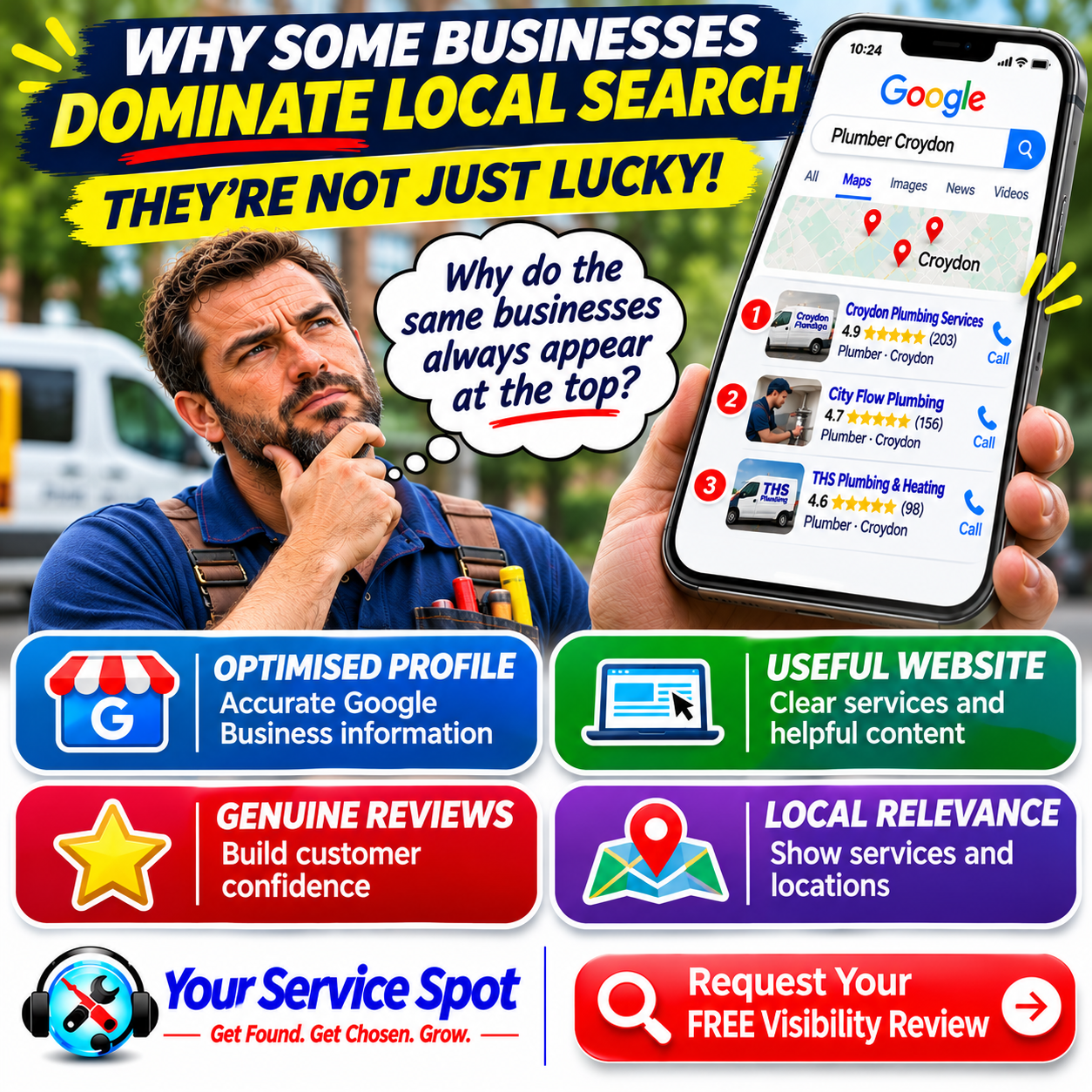
Local SEO helps businesses improve their visibility for relevant location-based searches.
For example:
“Emergency plumber Croydon”
“Blocked drains Brighton”
“Pool maintenance Houston”
These searches can indicate that someone is looking for a particular service in a particular area.
Important Local SEO Activities
Google Business Profile Optimisation
Maintain accurate categories, services, contact details and other relevant information.
Useful Service Pages
Clearly explain your services and the problems you solve.
Relevant Location Information
Describe the areas you genuinely serve.
Customer Reviews
Encourage authentic feedback and respond professionally.
Consistent Business Details
Keep important information accurate across your website and relevant listings.
Helpful Website Content
Answer genuine customer questions.
Why Local SEO and Conversion Optimisation Belong Together
Local SEO can help relevant customers discover your business.
Your website then needs to explain your services, establish trust and encourage enquiries.
Improving only one part of that journey may limit the results.
See our local SEO checklist for small businesses.
-
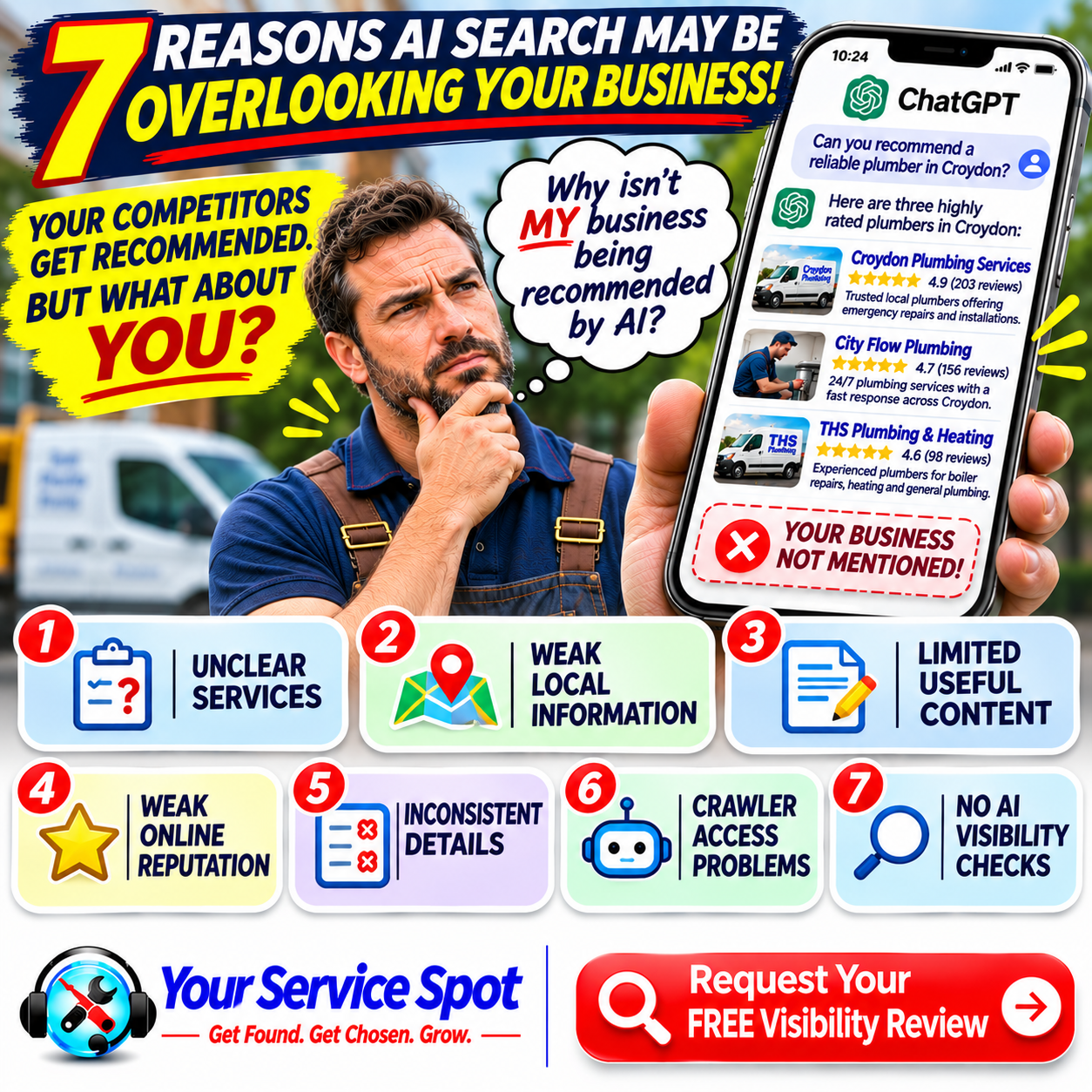
Could AI Search Traffic Generate Website Leads?
AI-powered search platforms are becoming another way customers can discover and research businesses.
Someone might ask ChatGPT, Google Gemini or Perplexity for information about a service or local provider.
Depending on the platform and response, they may encounter a business recommendation or a link to a website.
But the same principle applies.
Being discovered doesn’t automatically mean winning a customer.
If a visitor arrives from an AI-powered search platform, your website still needs to provide relevant information and a clear next step.
How to Prepare Your Website
- Make your services easy to understand.
- Publish helpful content.
- Keep business information accurate.
- Demonstrate genuine expertise.
- Check that important pages are accessible.
- Make contacting your business straightforward.
AI search visibility can complement traditional SEO, but it doesn’t replace the need for a useful, conversion-focused website.
-
Seven Practical Ways to Turn More Website Traffic Into Leads
If your website is attracting visitors but generating too few enquiries, start with these seven improvements.
Step 1: Review Your Traffic Quality
Identify which pages and search queries attract visitors.
Check whether they match your actual services and locations.
Step 2: Improve Your Homepage Message
Make it immediately clear what you do, who you help and where you operate.
Step 3: Strengthen Your Service Pages
Explain the problems you solve, what customers can expect and how they can enquire.
Step 4: Make Calls to Action Obvious
Use clear, relevant buttons and contact options throughout important pages.
Step 5: Improve Mobile Usability
Test your website on a smartphone.
Fix navigation, speed and form problems.
Step 6: Build Customer Confidence
Show genuine reviews, relevant qualifications and examples of your experience.
Step 7: Track Enquiries and Conversions
Measure leads, lead quality and new customers alongside website traffic.
These improvements can help you identify and reduce obstacles in the customer journey.
-
A Simple 30-Day Website Lead Generation Improvement Plan
You don’t necessarily need a complete website redesign.
A focused review can reveal practical improvements.
Week 1: Investigate the Numbers
- Review website traffic and landing pages.
- Identify where visitors come from.
- Check existing form and telephone tracking.
- Establish your current enquiry levels.
Week 2: Improve Your Main Pages
- Clarify homepage messaging.
- Review important service pages.
- Improve calls to action.
- Make contact details easier to find.
Week 3: Strengthen Trust and Usability
- Check mobile performance.
- Simplify enquiry forms.
- Add genuine testimonials or examples of completed work.
- Fix broken links and technical issues.
Week 4: Measure and Refine
- Review form submissions and calls.
- Check whether enquiry quality has improved.
- Identify which pages need further attention.
- Continue monitoring results.
Thirty days provides a useful starting period for making changes, but improvements in leads and sales aren’t guaranteed within that timeframe.
-
The Real Goal: Turn Website Visitors Into Customers
A website with thousands of visitors might look successful in an analytics report.
But for most local service businesses, the more important questions are:
- Are the right people finding your business?
- Do they understand what you offer?
- Do they trust you enough to make contact?
- Are those enquiries becoming paying customers?
At Your Service Spot, we focus on the complete customer journey.
GET FOUND
Help relevant customers discover your business through Google, local search and other appropriate channels.
BUILD TRUST
Demonstrate your experience, credibility and reputation.
GET CHOSEN
Give potential customers clear reasons to consider your services.
GENERATE ENQUIRIES
Make it easy for interested visitors to take the next step.
Because more website traffic only becomes commercially valuable when it helps achieve your business goals.
-
Getting Website Traffic but Not Enough Customers?
If your website attracts visitors but isn’t generating enough enquiries, there may be opportunities to improve:
- Perhaps you’re attracting the wrong audience.
- Your service information might need clarifying.
- Your calls to action could be stronger.
- Or your mobile website and enquiry process may be creating unnecessary obstacles.
The first step is understanding what’s happening.
Request Your FREE Visibility Review
At Your Service Spot, we help local businesses identify opportunities to improve their online visibility, website performance and lead generation.
We can investigate areas such as:
- Google and local search visibility
- Website content and service clarity
- Traffic quality and relevant search opportunities
- Calls to action and contact options
- Mobile usability
- Online reputation and customer trust
- Opportunities to improve website leads
Don’t judge your website by visitor numbers alone.
Find out whether it’s helping your business attract the right customers.
Request Your FREE Visibility Review today.
Get Found. Get Chosen. Grow.
Frequently Asked Questions About Website Traffic and Website Leads
-
Why is my website getting traffic but no customers?
Possible reasons include irrelevant visitors, unclear service information, weak calls to action, poor mobile usability, limited trust signals or problems with your enquiry process. Tracking issues can also make it appear that leads aren’t being generated.
-
Does more website traffic mean more sales?
Not necessarily. Sales depend on factors such as visitor intent, website conversion, lead quality, pricing, customer service and follow-up.
-
What is the difference between website traffic and website leads?
Website traffic measures visits to your site. Website leads are potential customers who take relevant actions, such as calling, submitting an enquiry form or requesting a quotation.
-
How can I get more leads from my website?
Focus on attracting relevant visitors, clearly explaining your services, improving calls to action, strengthening trust and simplifying the enquiry process.
-
What is a good website conversion rate?
There isn’t one universal benchmark. Conversion rates vary by industry, traffic source, service, location and how a conversion is defined. Compare your performance with your own historical results and commercial goals.
-
How do I calculate my website conversion rate?
Divide the number of recorded conversions by the number of website visits, then multiply by 100. Use a consistent definition of visits and conversions.
-
Why are visitors leaving my website without contacting me?
They may not need your service, may be comparing providers or may encounter unclear information, slow pages, weak trust signals or difficult contact options.
-
Can local SEO help generate more website leads?
Yes, local SEO can help relevant customers discover your business through location-based searches. However, visibility doesn’t guarantee enquiries.
-
Do I need more blog posts to generate leads?
Not necessarily. Improving important service pages and existing content may be more valuable than publishing additional articles that attract irrelevant traffic.
-
Why are my Google rankings improving but enquiries aren’t?
You may be ranking for informational or low-intent searches, attracting visitors outside your service area or experiencing conversion problems on your website.
-
Can a slow website reduce customer enquiries?
Yes. Slow loading can frustrate visitors and create obstacles, particularly on mobile devices. However, speed is only one factor affecting conversions.
-
How important are calls to action?
Calls to action help visitors understand what to do next. Clear, relevant CTAs can make the enquiry process easier.
-
Should I display my telephone number on every page?
For many local service businesses, making a telephone number easily accessible throughout the website is helpful, especially for customers seeking urgent assistance.
-
Do customer reviews help website conversions?
Genuine reviews can help build confidence and support purchasing decisions. Their effect varies depending on the business and customer.
-
Should I use contact forms or telephone calls?
Many local businesses benefit from offering both. Different customers prefer different contact methods.
-
How many fields should my contact form contain?
Ask for the information genuinely needed to respond to an initial enquiry. Avoid unnecessary fields that make the process longer.
-
Can AI search platforms send visitors to my website?
Some AI-powered search experiences can provide links to websites. Whether those visits become leads depends on the visitor’s needs and your website experience.
-
How do I track website leads?
Use appropriate analytics, form submission tracking, telephone enquiry records and customer relationship management tools where available.
-
Is website traffic more important than lead quality?
For many local service businesses, qualified leads and paying customers are more directly connected to commercial results than traffic volume alone.
-
How long does it take to improve website lead generation?
Some usability or contact-form improvements can be implemented quickly, but measurable results depend on traffic levels, customer behaviour and the changes made. There is no guaranteed timeframe.